 Sarvajna
Your private AI, built for screenwriters & filmmakers.
Sarvajna breaks scenes into shots, writes screenplay pages, and drafts everyday tasks — powered by a local AI model on your own computer. Nothing you write is ever sent anywhere.
Made for the way filmmakers actually work
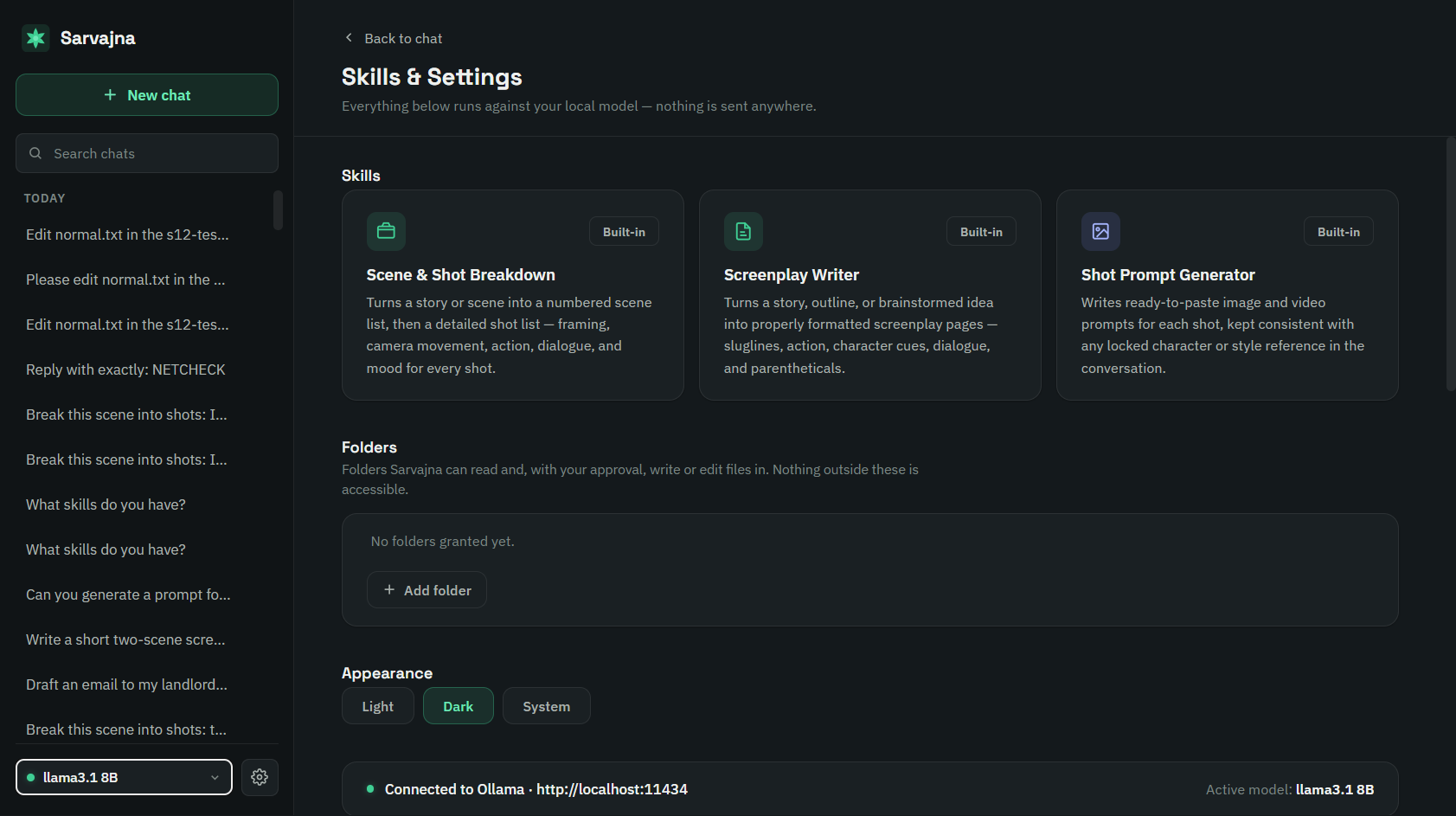
Three skills ship with Sarvajna out of the box, tuned for screenwriting and production — not generic chat.
Scene & Shot Breakdown
Turns a story or scene into a numbered scene list, then a detailed shot list — framing, camera movement, action, dialogue, and mood for every shot.
Screenplay Writer
Turns a story, outline, or brainstormed idea into properly formatted screenplay pages — sluglines, action, character cues, dialogue, and parentheticals.
Shot Prompt Generator
Writes ready-to-paste image and video generation prompts for each shot, kept consistent with any locked character or style reference in the conversation.
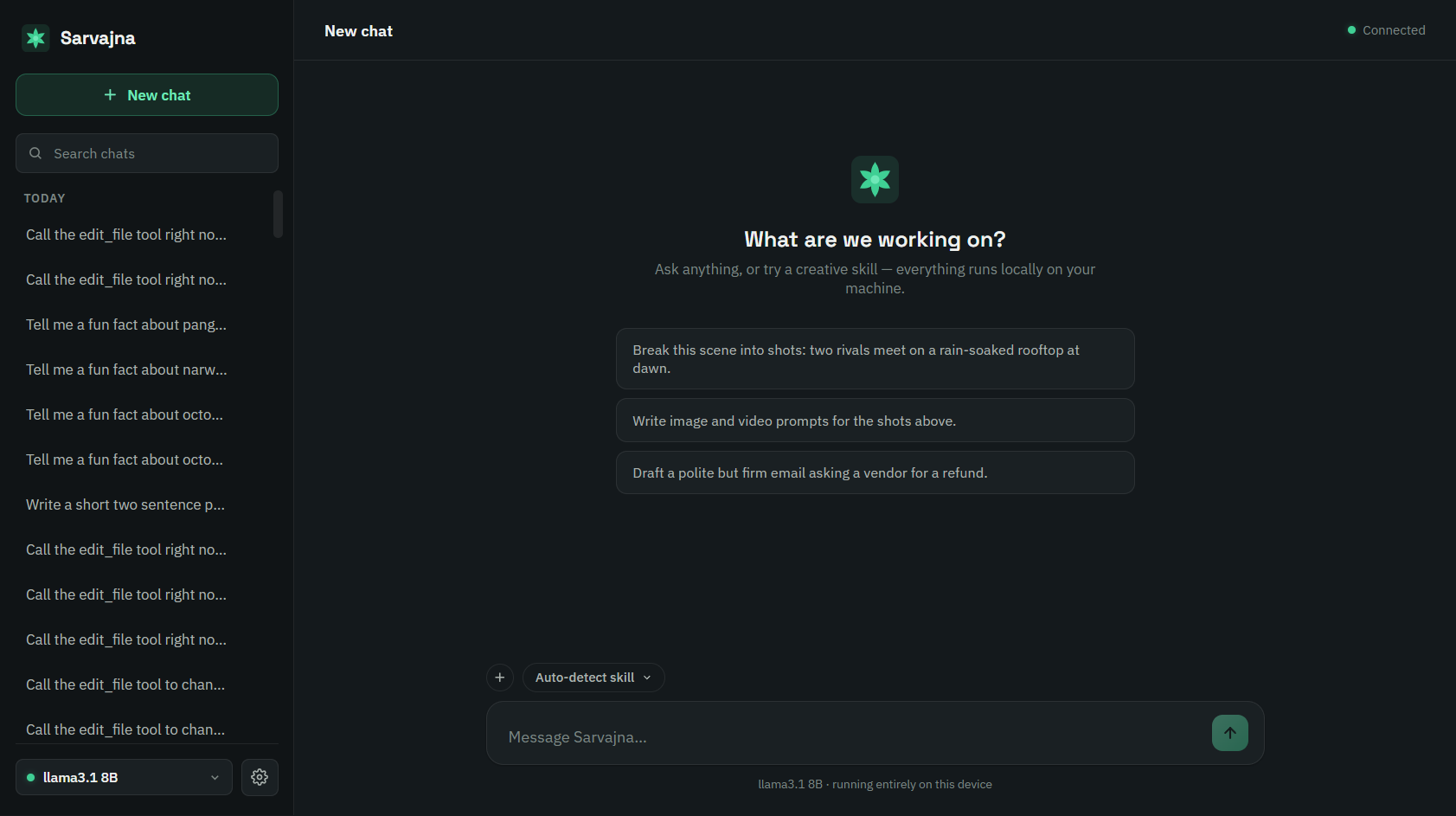
Your scripts never leave your laptop.
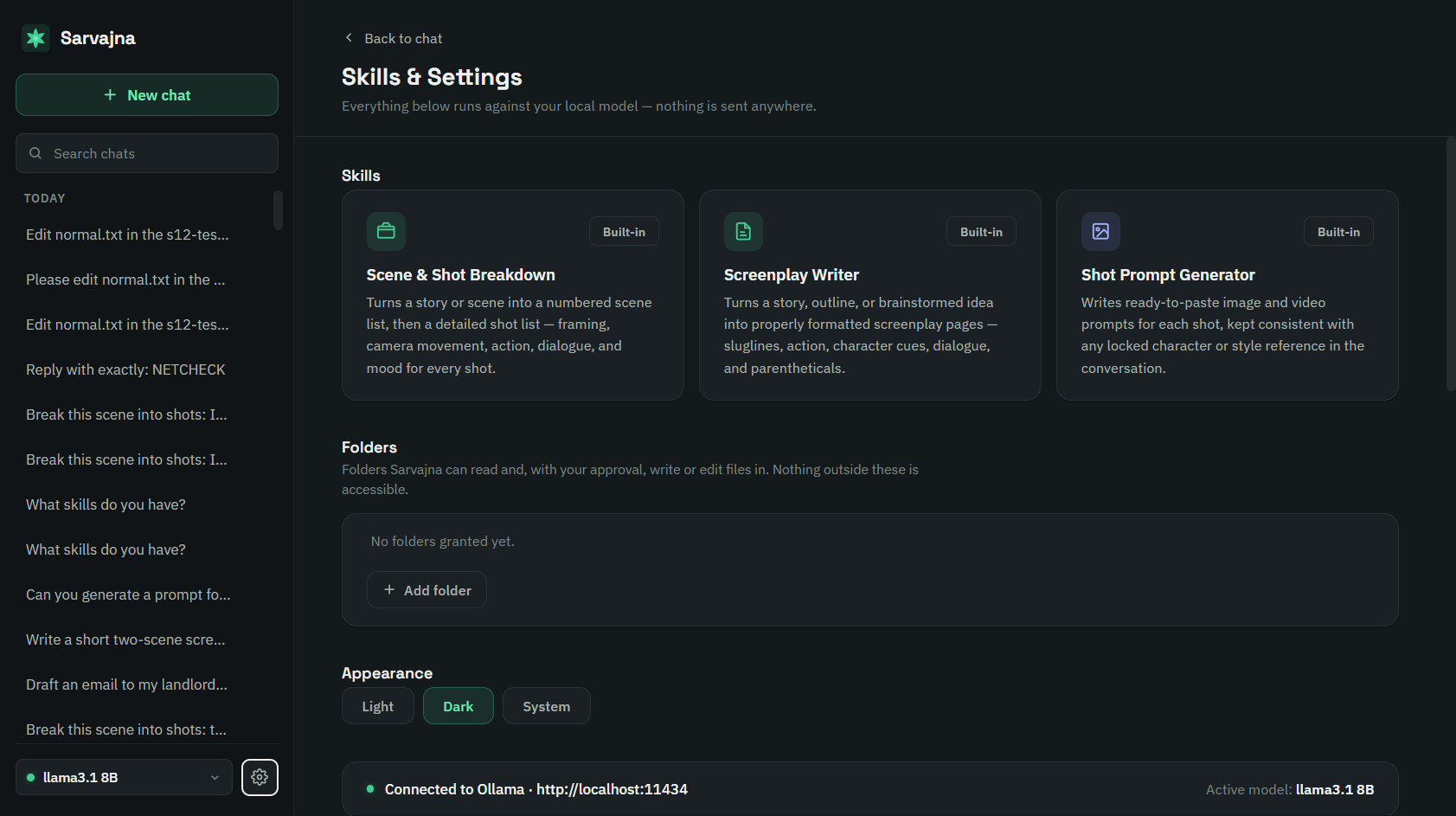
Sarvajna runs on Ollama, a local AI engine — so the model that reads your screenplay lives on your own machine, not on someone else's server.
- ✓ No cloud calls. Every message is processed locally by a model you choose.
- ✓ No account, no sign-up. Install it and start writing.
- ✓ Your model, your hardware. Pick from Llama 3.1, Gemma 2, and more based on what your machine can run.
- ✓ Free, always. No subscription, no usage limits.
Three steps to your first draft
No account to create, no cloud to configure. Just a model on your machine.
Install Ollama
One-time setup — this is what runs the AI model on your machine.
Run the Sarvajna installer
Download the .exe below and install like any other Windows app.
Pick a model & start writing
Sarvajna recommends a model based on your hardware automatically.
Download Sarvajna
Free for everyone. Windows is ready today — macOS is on the way.
Windows
Chrome/Edge may flag the installer since it's not yet code-signed — click "Keep" in the download bar, then "More info → Run anyway" on the Windows SmartScreen popup. Sarvajna is open source; you can review or build it yourself from the source.